
Quick Answer: AV monitoring ensures LED display reliability through real-time performance tracking, temperature alerts, and proactive maintenance scheduling.

For reliable LED display monitoring and control, our Novastar controllers and Colorlight controllers support remote AV monitoring. Contact WEFONE LED for monitoring system setup.
Introduction to AV Monitoring for LED Displays
For businesses that depend on LED displays for critical communications, proactive AV monitoring is not optional — it is essential. Whether you operate a single video wall in a corporate lobby, a network of outdoor billboards across Dubai, or a multi-screen control room display, comprehensive monitoring ensures your screens perform reliably and potential issues are detected before they impact your audience.
In the UAE, where LED displays are increasingly used for mission-critical applications in sectors such as aviation (Dubai International Airport), retail (Dubai Mall), hospitality (Burj Al Arab), and transportation (RTA digital signage networks), display reliability is paramount. A single point of failure can cascade into significant operational disruptions, revenue loss, and brand reputation damage.
This comprehensive guide covers everything you need to know about AV monitoring for LED displays — from essential metrics to monitor, best practices for implementation, and how to choose the right monitoring solution for your specific application.
Why AV Monitoring Matters for LED Displays
Unplanned display downtime can mean lost advertising revenue, disrupted operations, or a poor brand impression. In mission-critical environments like broadcast studios, financial trading floors, airport terminals, or emergency response centers, even seconds of downtime can have significant consequences. Consider these scenarios:
- A financial trading floor display goes dark during market hours — traders lose critical real-time data visualization
- An airport departure board shows incorrect information — passenger confusion and operational delays ensue
- A retail storefront video wall fails during a product launch campaign — thousands of dollars in advertising impact lost
- A control room display in a power plant flickers — operators lose confidence in displayed data accuracy
AV monitoring provides real-time visibility into display health, allowing technical teams to identify and resolve issues proactively, often before users notice any problem. A comprehensive monitoring strategy also helps extend the lifespan of your LED display investment by catching minor issues before they escalate into costly repairs or complete panel replacements.
Studies show that organizations with proactive AV monitoring reduce display-related downtime by up to 70% and extend equipment lifespan by 25-40% compared to those relying on reactive maintenance approaches.
Key Metrics to Monitor on LED Displays
Effective AV monitoring requires tracking multiple performance parameters simultaneously. Here are the critical metrics every LED display operator should monitor:
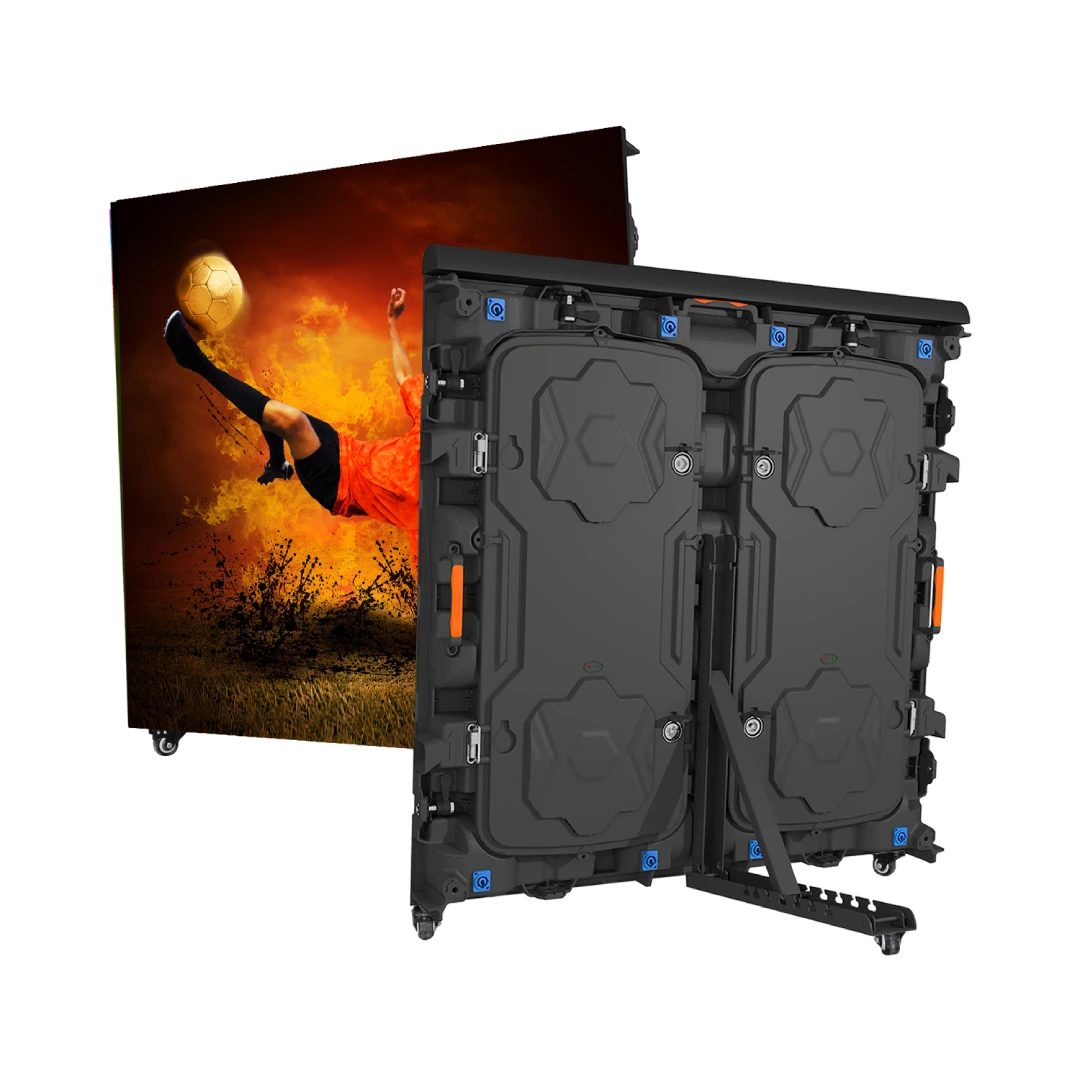
Temperature
Overheating is a leading cause of LED display failure. LED components are sensitive to temperature — excessive heat accelerates LED degradation, causes color shift, and can lead to permanent pixel failure. Monitor internal cabinet temperature and ensure cooling systems (fans, air conditioning, or liquid cooling) are functioning optimally. Most premium LED displays include built-in temperature sensors that can trigger automatic brightness reduction or graceful shutdown when safe thresholds are exceeded. In Dubai’s climate, where outdoor ambient temperatures can exceed 50°C, proper thermal management is absolutely critical for outdoor LED installations.
Brightness Levels and Uniformity
Track brightness consistency across modules and over time. Uneven brightness — known as ‘brightness mura’ — indicates aging or failing LED components. Regular calibration helps maintain uniform visual performance, which is especially important for video walls where module-to-module consistency is critical for image quality. Monitoring should track both absolute brightness (nits) and uniformity across the display surface, alerting when any module deviates more than 10% from the average.
Power Supply Health
Monitor voltage and current draw across power supply units (PSUs) to detect power supply degradation before it causes complete display failure. Redundant power supply configurations — where each cabinet has dual PSUs — should be configured to send immediate alerts when one unit fails, allowing hot-swap replacement without display downtime. Power monitoring also helps identify broader electrical issues such as voltage fluctuations, phase imbalances, or ground loop problems that can affect display performance and longevity.
Network Connectivity
For networked displays — which account for virtually all modern LED installations — ensure consistent connectivity between the display controller, content management system (CMS), and network infrastructure. Monitor for packet loss, latency spikes, and connection drops that can cause content playback stuttering, synchronization problems across multi-display installations, or complete loss of content delivery. Network monitoring should extend to the CMS server, media players, and any intermediate network equipment.
Pixel Health and Dead Pixel Detection
Some advanced monitoring systems can automatically detect dead, stuck, or dim pixels through periodic calibration scans. For fine-pitch indoor displays (pixel pitch under 2mm), where individual pixel defects are more noticeable at close viewing distances, automated pixel health monitoring is particularly valuable. Modern systems can generate pixel health reports and pinpoint the exact module location of any defective pixel, significantly reducing troubleshooting time.
Humidity and Environmental Conditions
For outdoor and semi-outdoor installations, monitoring ambient humidity, dust levels, and air quality helps predict maintenance needs. Excessive humidity can cause corrosion of solder joints and connectors, while dust accumulation on cooling fans reduces thermal efficiency. IP-rated enclosures should be monitored for seal integrity, especially in coastal environments where salt spray accelerates corrosion.
Monitoring Architecture and Tools
A comprehensive AV monitoring solution typically consists of the following layers:
- Sensor Layer: Temperature sensors, light sensors, voltage/current monitors, humidity sensors, and network probes embedded in or attached to LED cabinets
- Data Collection Layer: Local controllers or gateways that aggregate sensor data from multiple cabinets and displays, often using SNMP, Modbus, or proprietary protocols
- Management Platform: Centralized software that receives, processes, and visualizes monitoring data, with dashboard views for real-time status and historical trends
- Alerting and Notification: Configurable alert rules that trigger notifications via email, SMS, push notifications, or integration with existing IT service management (ITSM) platforms like ServiceNow or Jira
- Reporting and Analytics: Historical reports on display health, uptime statistics, energy consumption, and maintenance trends for capacity planning and compliance documentation
Best Practices for LED Display Monitoring
Implementing effective AV monitoring requires more than just installing sensors and software. Follow these best practices to maximize the value of your monitoring investment:
- Set Up Automated Alerts with Appropriate Thresholds: Configure alerts for temperature, power, and connectivity issues with thresholds that provide early warning without generating excessive false alarms. For temperature, set warning alerts at 10°C below critical thresholds to allow time for corrective action.
- Schedule Regular Visual Inspections: Even with automated monitoring, periodic visual inspections by trained technicians remain important for assessing image quality, color accuracy, and physical condition that sensors cannot detect.
- Keep Firmware and Software Updated: LED display firmware, controller firmware, and monitoring software should be kept current to ensure compatibility, security, and access to the latest monitoring features.
- Document Baseline Performance Metrics: Record baseline brightness, temperature, power consumption, and color temperature data when the display is newly installed and calibrated. Compare current readings against these baselines to identify gradual degradation trends.
- Establish a Clear Escalation Process: Define who receives which alerts, response time SLAs, and escalation paths for different severity levels. Critical alerts should trigger immediate response, while warning alerts can follow normal business hours procedures.
- Integrate with Existing Monitoring Systems: For organizations with existing building management systems (BMS) or network monitoring platforms (Nagios, PRTG, SolarWinds), integrate LED display monitoring data for unified operational visibility.
- Conduct Regular Monitoring System Tests: Periodically test that alerts are actually being generated and delivered correctly. Simulate failure conditions to verify that monitoring systems are functioning as expected.
Choosing the Right Monitoring Solution
When selecting an AV monitoring solution for your LED displays, consider the following factors:
- Compatibility: Ensure the monitoring solution supports your specific LED display make and model, including the communication protocol used by your display controllers.
- Scalability: Choose a solution that can grow with your display network, from single-screen installations to multi-site, multi-display deployments spanning multiple locations.
- Ease of Use: The monitoring dashboard should provide clear, actionable information without requiring specialized training. Look for intuitive dashboards, customizable views, and role-based access controls.
- Integration Capabilities: APIs and webhook support for integration with existing IT operations, building management, and notification systems. REST API support is particularly valuable for custom integrations.
- Remote Access: Cloud-based monitoring solutions allow off-site teams to monitor display health from anywhere, especially valuable for organizations with displays across multiple geographic locations.
- Cost vs. Value: Consider total cost of ownership including software licensing, sensor hardware, installation, and ongoing support. The cost should be weighed against the potential cost of unplanned downtime.
Common Monitoring Challenges and Solutions
Even with the best monitoring systems, organizations may face challenges:
- Alert Fatigue: Too many false-positive alerts can lead to important warnings being ignored. Solution: Fine-tune alert thresholds during the first 30 days of operation based on actual display behavior patterns.
- Network Reliability: The monitoring system itself depends on network connectivity, creating a dependency loop. Solution: Implement local alerting at the display controller level that can function independently of the central monitoring server.
- Sensor Failure: Monitoring sensors can themselves fail. Solution: Redundant sensors for critical parameters (especially temperature) and periodic sensor verification as part of preventive maintenance.
- Data Overload: Too much data without clear actionable insights. Solution: Focus on a tiered monitoring approach — basic monitoring for all displays and advanced monitoring for mission-critical displays.
Conclusion
Proactive AV monitoring is an essential component of any professional LED display installation, particularly in demanding environments like Dubai where extreme temperatures and high ambient light levels create additional reliability challenges. By implementing comprehensive monitoring across temperature, brightness, power, network connectivity, and pixel health, organizations can maximize display uptime, extend equipment lifespan from 5-7 years to 8-10 years, and protect their investment in visual communication technology.
Remember that monitoring is not a one-time setup — it requires ongoing attention, threshold tuning, and periodic system validation to remain effective. The organizations that derive the most value from their monitoring investment treat it as an ongoing operational discipline rather than a one-time deployment.
For more information about monitoring solutions for your LED display installation, contact our support team. We offer end-to-end monitoring solutions tailored to your specific display configuration and operational requirements, from basic alerting to enterprise-grade integrated monitoring platforms.